Reading time: 4 minutes | Difficulty: Intermediate
Overview
Webhooks are how PayPal notifies your site about payment events. This guide covers verifying webhook configuration and troubleshooting delivery issues.
Prerequisites
- PayPal account connected
- Debug logging enabled (recommended)
- Understanding of payment flow
What Are Webhooks?
Webhooks are automatic notifications from PayPal:
Customer pays → PayPal processes → PayPal sends webhook → Your site receives → Transaction recordedWithout working webhooks:
- Transactions may not record
- Subscriptions won’t update
- Refunds won’t sync
How WP Payment Pal Uses Webhooks
Webhook events handled:
| Event | Purpose |
|---|---|
PAYMENT.CAPTURE.COMPLETED |
Record successful payment |
PAYMENT.CAPTURE.REFUNDED |
Update refund status |
BILLING.SUBSCRIPTION.ACTIVATED |
Subscription started |
BILLING.SUBSCRIPTION.CANCELLED |
Subscription ended |
BILLING.SUBSCRIPTION.SUSPENDED |
Subscription paused |
PAYMENT.SALE.COMPLETED |
Subscription payment |
Checking Webhook Status
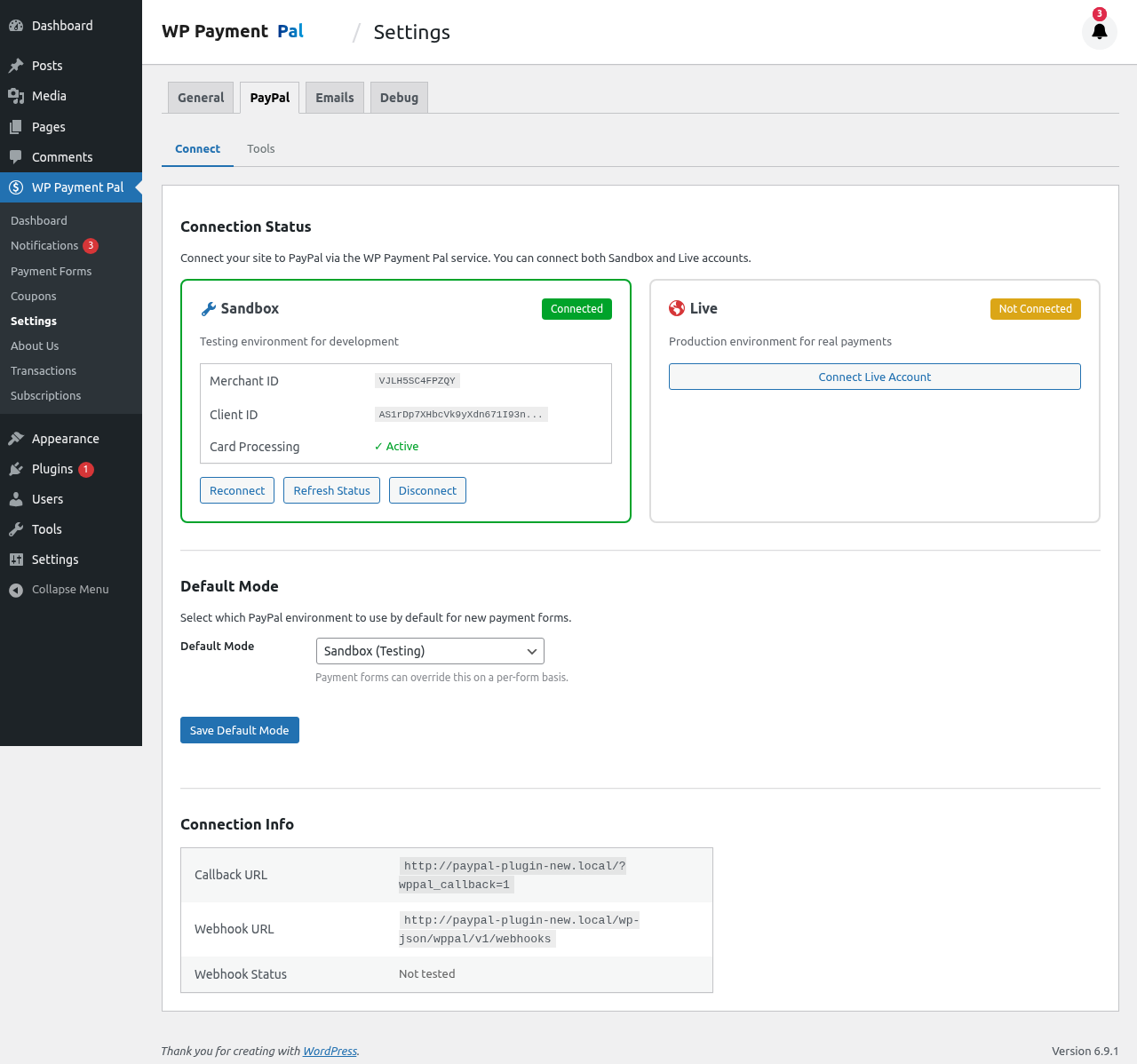
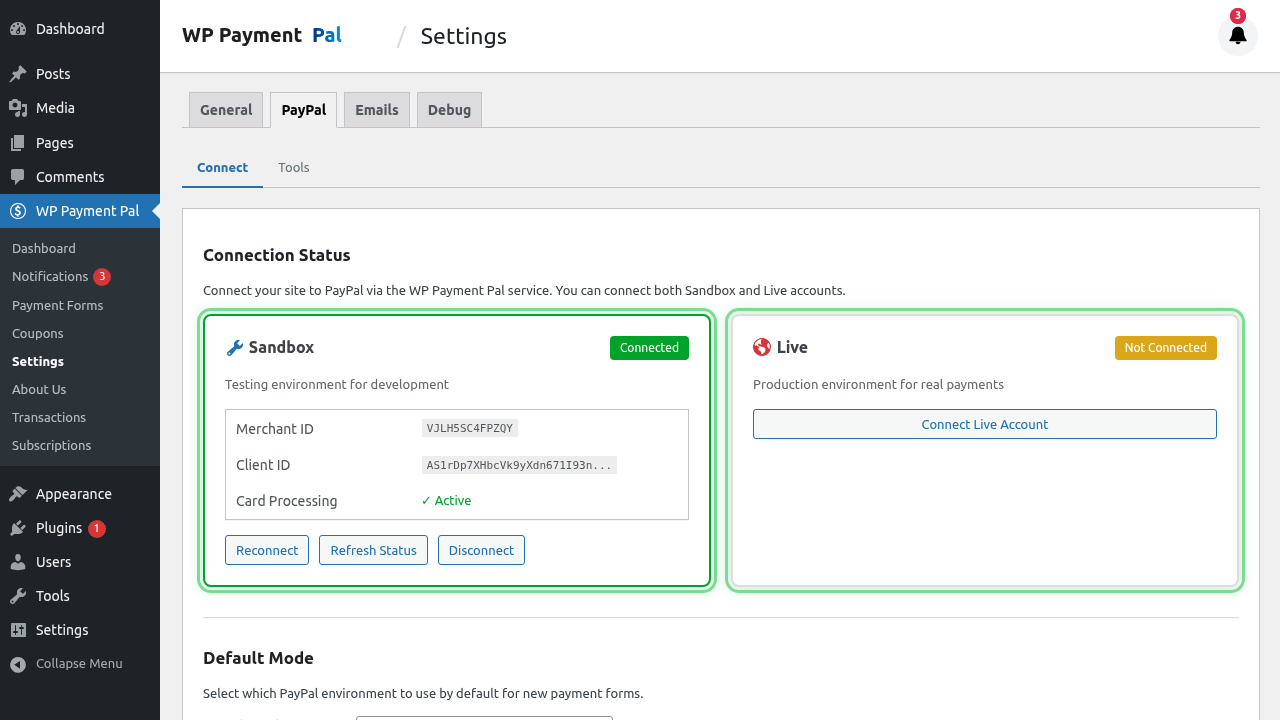
In Plugin Settings
- Go to WP Payment Pal > Settings
- Click PayPal tab
- Look for webhook status indicator
Expected Status
- Connected: Webhooks configured
- Webhook URL: Your site’s webhook endpoint
Webhook URL
Your webhook endpoint:
https://yoursite.com/wp-json/wppal/v1/webhooks/paypalThis URL must be:
- Publicly accessible
- Using HTTPS
- Not blocked by firewall
Testing Webhook Delivery
Method 1: Make a Test Payment
- Enable debug logging
- Make a Sandbox payment
- Complete checkout
- Check logs for webhook receipt
Method 2: PayPal Dashboard
- Log in to PayPal Developer
- Go to My Apps & Credentials
- Select your app
- Click Webhooks
- Find Webhook Events
- View event history
Method 3: Simulate Webhook
PayPal offers webhook simulation:
- Go to PayPal Developer webhooks
- Use Simulate Webhook Event
- Select event type
- Send to your URL
- Check your logs
Verifying Webhook Receipt
In your debug logs, look for:
[timestamp] INFO: Webhook received - PAYMENT.CAPTURE.COMPLETED
[timestamp] INFO: Webhook verified successfully
[timestamp] INFO: Processing webhook event
[timestamp] INFO: Transaction created - ID: 123
Common Webhook Issues
Webhooks Not Receiving
Symptoms:
- Payments complete in PayPal
- No transaction in WordPress
- No webhook log entries
Causes:
- Webhook URL not registered
- Site not publicly accessible
- Firewall blocking PayPal
- SSL certificate issues
Solutions:
- Reconnect PayPal account
- Verify site is publicly accessible
- Whitelist PayPal IPs
- Check SSL certificate validity
Webhook Verification Failing
Symptoms:
- Webhook received
- “Verification failed” in logs
- Transaction not recorded
Causes:
- Credential mismatch
- Webhook registered to different credentials
- Man-in-the-middle issue
Solutions:
- Reconnect PayPal account
- Clear credentials and reconnect
- Check for proxy/CDN issues
Delayed Webhooks
Symptoms:
- Transaction appears late
- Events out of order
Causes:
- PayPal processing delay
- Your server slow to respond
- Network issues
Solutions:
- Usually resolves automatically
- Check server performance
- Monitor over time
PayPal Webhook Requirements
Your Server Must
- Accept POST requests
- Respond within 30 seconds
- Return 200 status on success
- Use valid SSL certificate
- Be publicly accessible
PayPal IP Addresses
If using firewall, whitelist PayPal IPs:
- Check PayPal documentation for current list
- IPs may change; use hostname if possible
Re-registering Webhooks
If webhooks stop working:
- Disconnect PayPal account
- Wait a moment
- Reconnect PayPal account
- Test with a payment
This re-registers webhook URLs.
Webhook vs Redirect
| Webhook | Redirect |
|---|---|
| Server-to-server | Browser-based |
| Reliable | Can be interrupted |
| Background | User sees it |
| Must work | Backup only |
Never rely solely on redirects for payment confirmation.
Debug Checklist
When webhooks aren’t working:
- Site is publicly accessible (not localhost)
- SSL certificate is valid
- PayPal account is connected
- Debug logging is enabled
- No firewall blocking PayPal
- Webhook URL is correct
- Credentials match (Sandbox vs Live)
Testing in Sandbox
Always test webhooks in Sandbox first:
- Connect Sandbox account
- Make test payment
- Verify webhook received
- Check transaction created
Then repeat for Live when ready.
Webhook Retry
PayPal retries failed webhooks:
- Initial delivery
- Retry after 1 minute
- Retry after 5 minutes
- Continues with backoff
If your site was temporarily down, webhooks may arrive late.
Monitoring Webhooks
Regular Checks
- Make test payment weekly
- Verify transaction records
- Check debug logs for errors
Signs of Problems
- Payments in PayPal but not WordPress
- Subscription status not updating
- Refund status not syncing
Best Practices
- Keep SSL valid – Renew before expiration
- Monitor regularly – Check webhook health
- Debug logs – Enable at least Error level
- Test both modes – Sandbox and Live
- Document issues – Track recurring problems
Troubleshooting Flow
1. Check PayPal shows payment complete
2. Check debug logs for webhook
3. If no webhook → check URL accessibility
4. If webhook received but failed → check verification
5. If verified but no transaction → check processing logs
6. Contact support with log details
What’s Next?
- Debug Mode and Logging – Enable logging
- Connecting Your PayPal Account – Connection setup
- Understanding Sandbox vs Live Mode – Test environment