Reading time: 4 minutes | Difficulty: Beginner
Overview
Offer free trial periods to let customers try your subscription before being charged. This guide covers setting up and managing trial periods.
Prerequisites
- A subscription price option configured
- Understanding of your trial strategy
What is a Trial Period?
A trial period allows customers to:
- Access your subscription benefits immediately
- Try before they commit financially
- Not be charged until the trial ends
After the trial, regular billing begins automatically.
Step 1: Access Subscription Settings
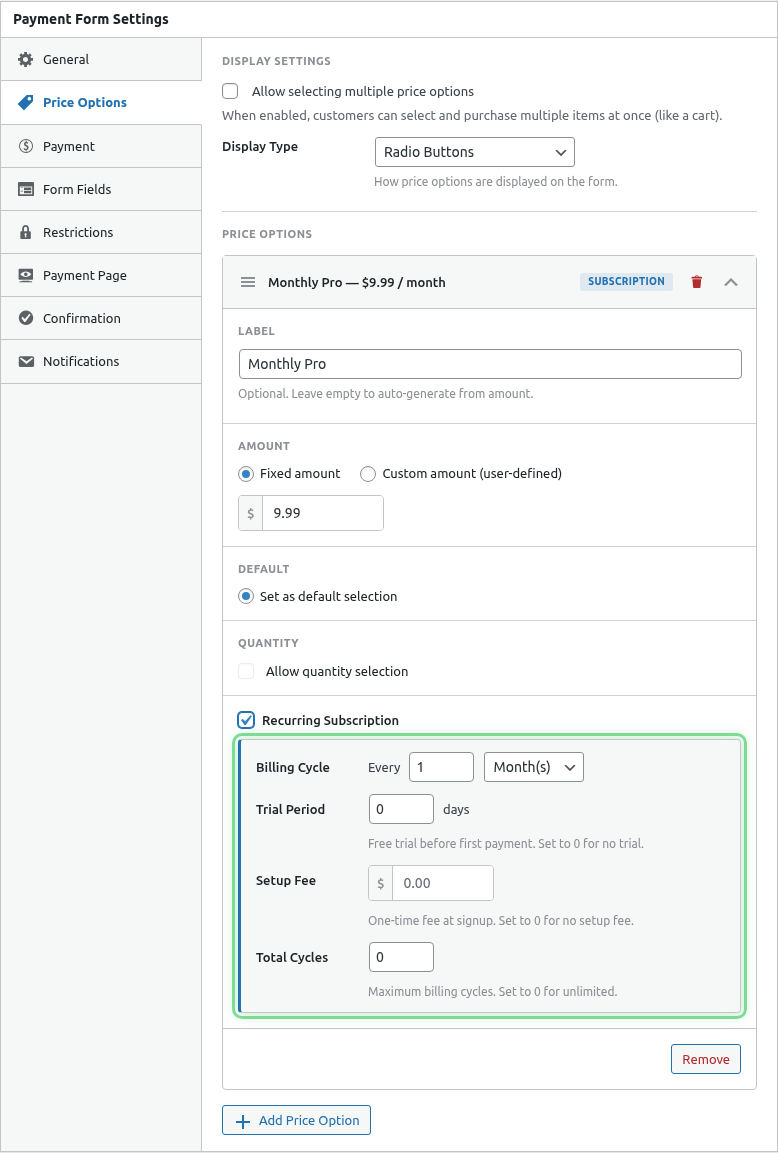
- Edit your payment form
- Click the Price Options tab
- Expand your subscription price option
Step 2: Enable Trial Period
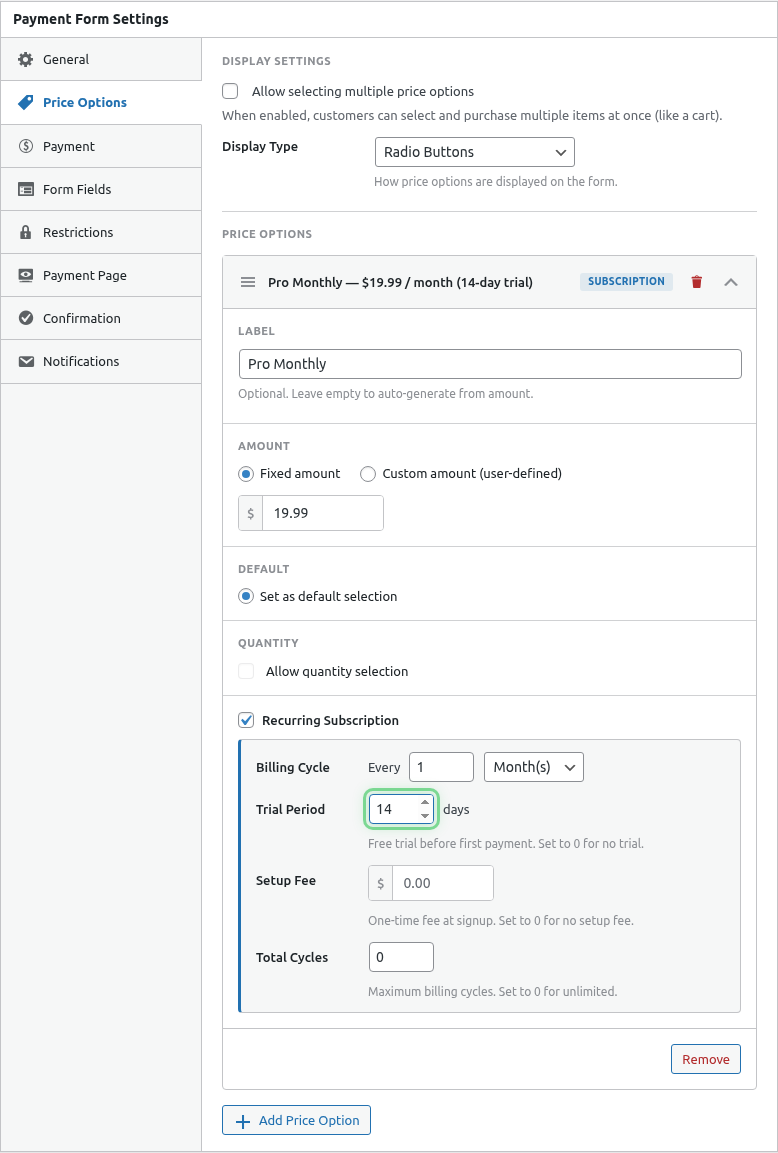
- Find the Free Trial setting
- Toggle it On
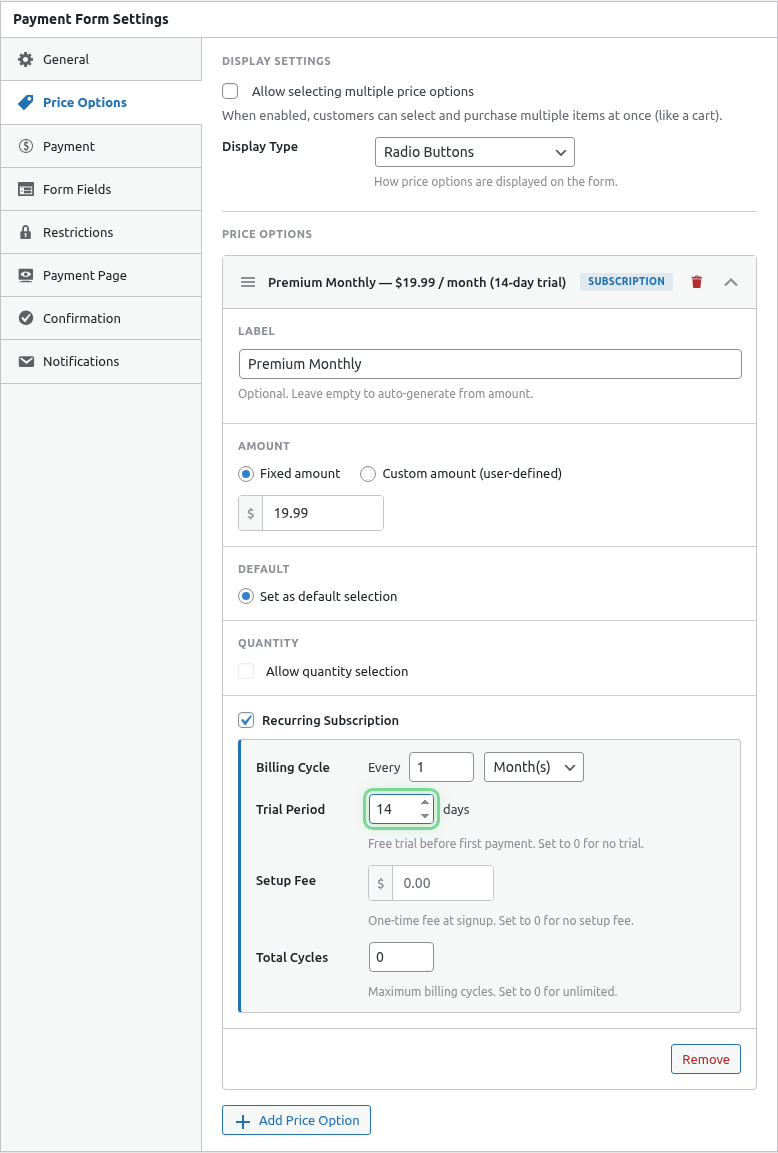
- Enter the Trial Days
Trial Duration Options
| Days | Use Case |
|---|---|
| 7 | Quick evaluation period |
| 14 | Standard SaaS trial |
| 30 | Extended evaluation |
How Trials Work
Timeline Example (14-day trial, monthly billing)
| Day | Event |
|---|---|
| 0 | Customer subscribes, trial begins |
| 1-13 | Trial period (no charge) |
| 14 | First billing charge |
| 44 | Second billing charge |
| 74 | Third billing charge |
| … | Continues monthly |
What Customers See
During checkout:
- Trial period prominently displayed
- First billing date shown
- Regular price after trial
Trial with Setup Fee
You can combine trials with setup fees:
| Setting | Value | Result |
|---|---|---|
| Trial | 14 days | 2 weeks free |
| Setup Fee | $10 | Charged at signup |
| Monthly | $29 | Starts after trial |
Customer pays $10 at signup, then $29/month after 14 days.
See Adding Setup Fees.
Trial Period Strategies
Short Trial (7 days)
Pros:
- Faster conversion to paid
- Less free usage
Best for:
- Simple products
- Low-cost subscriptions
- Services with quick value demonstration
Standard Trial (14 days)
Pros:
- Balance of evaluation time and conversion
- Industry standard
Best for:
- SaaS products
- Most subscription services
- Digital content
Extended Trial (30 days)
Pros:
- Full product evaluation
- Builds strong commitment
Best for:
- Complex products
- High-value subscriptions
- Enterprise services
Customer Communication
Signup Confirmation
Include trial details in confirmation:
- Trial start date
- Trial end date
- First billing date
- How to cancel during trial
Trial Ending Reminder
Consider sending a reminder email:
- 3 days before trial ends
- Includes what happens next
- How to cancel if needed
Cancellation During Trial
Customers can cancel during the trial:
- No charges have been made yet
- Subscription status changes to cancelled
- Access typically continues until trial end date
Tracking Trial Subscriptions
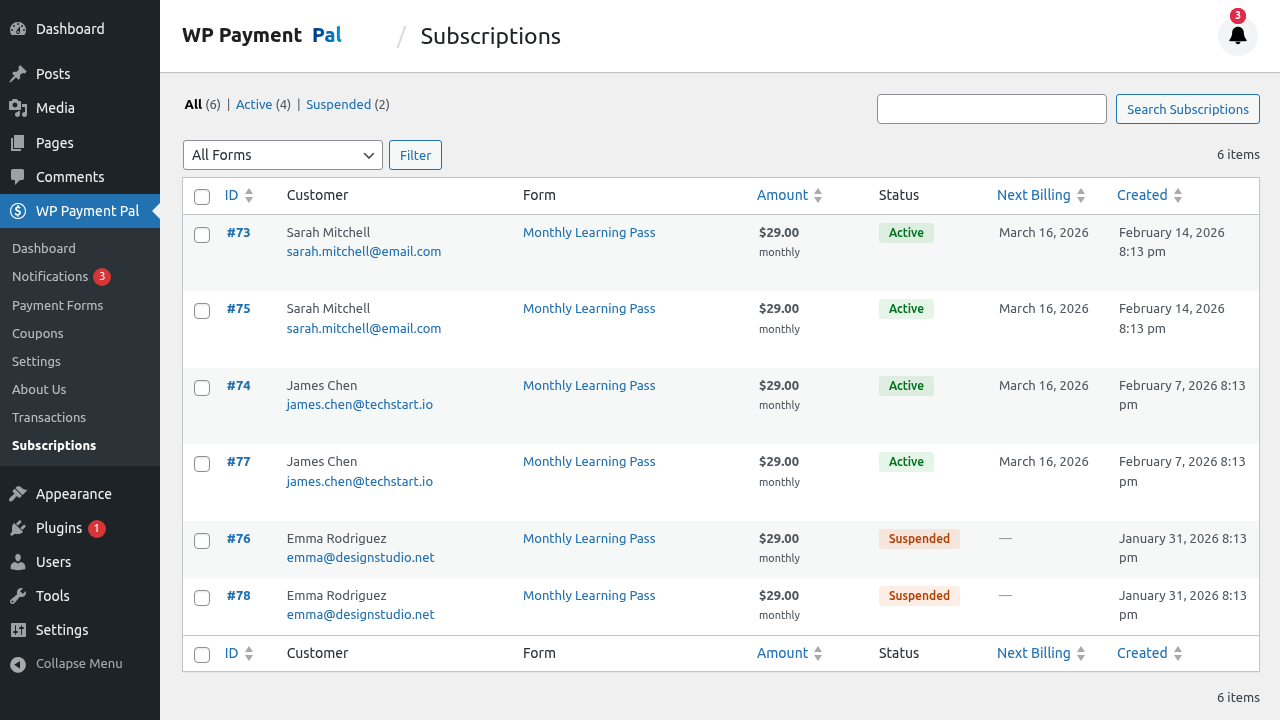
View trial status in the Subscriptions list:
- Go to WP Payment Pal > Subscriptions
- Look for “Trial” status indicator
- See days remaining in trial
Trial Conversion Tips
1. Deliver Value Fast
Ensure customers experience value during the trial:
- Send onboarding emails
- Provide quick-start guides
- Offer setup assistance
2. Engage During Trial
Stay in touch:
- Day 1: Welcome email
- Day 7: Progress check-in
- Day 12: Trial ending reminder
3. Make Upgrading Easy
Don’t require re-signup—the subscription automatically converts.
4. Offer Support
Respond quickly to trial user questions to improve conversion.
Common Questions
Can I change trial length for existing subscriptions?
No. Trial length is set at signup. Existing subscribers keep their original trial terms.
What if the customer’s payment fails after trial?
PayPal retries failed payments. The subscription may be suspended after multiple failures.
Can I offer different trial lengths to different customers?
Create separate forms with different trial settings, or use URL parameters to customize.
Do trials work with custom amounts?
Yes! Custom amount subscriptions can have trials too.
Best Practices
- Clear expectations – Show exactly when billing starts
- Easy cancellation – Don’t make customers hunt for it
- Value delivery – Ensure trial users experience your product’s value
- Trial reminders – Communicate before billing begins
- Reasonable length – Match trial to product complexity
Troubleshooting
Trial not showing in checkout
- Verify Free Trial is enabled
- Check Trial Days is set
- Save and refresh the form
Customer charged immediately
- Confirm the option is a Subscription type
- Verify Free Trial is toggled on
- Check the PayPal plan configuration
What’s Next?
- Adding Setup Fees – One-time charges at signup
- Managing Billing Cycles – Limit total payments
- Subscription Email Notifications – Trial communications