Reading time: 3 minutes | Difficulty: Intermediate
Requires: Professional license or higher
Overview
Control how long a coupon discount applies to recurring subscription payments. By default, coupons only discount the first payment. With coupon duration, you can extend the discount across multiple billing cycles or make it last forever.
Prerequisites
- At least one coupon created
- A subscription-based payment form
- Professional license or higher
Duration Options
Once (Default)
The discount applies to the first subscription payment only. All subsequent renewals are charged at full price.
Best for:
- Signup incentives
- First-month promotions
- Trial-like discounts
Repeating
The discount applies for a set number of billing cycles. After those cycles, the subscription reverts to full price.
Best for:
- Multi-month promotions (e.g., “3 months at 50% off”)
- Gradual onboarding pricing
- Seasonal discounts spanning several cycles
Forever
The discount applies to every payment for the life of the subscription.
Best for:
- Loyalty rewards
- Partner/affiliate pricing
- Permanent VIP discounts
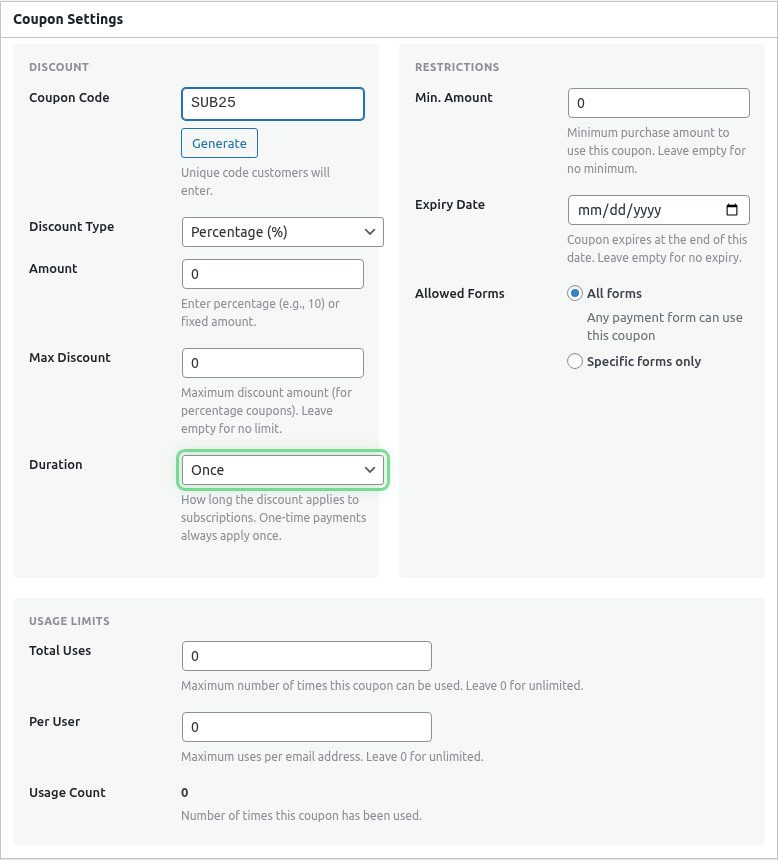
Setting Up Coupon Duration
- Go to WP Payment Pal > Coupons
- Edit an existing coupon or click Add New
- Set your discount type and amount
- Find the Duration dropdown
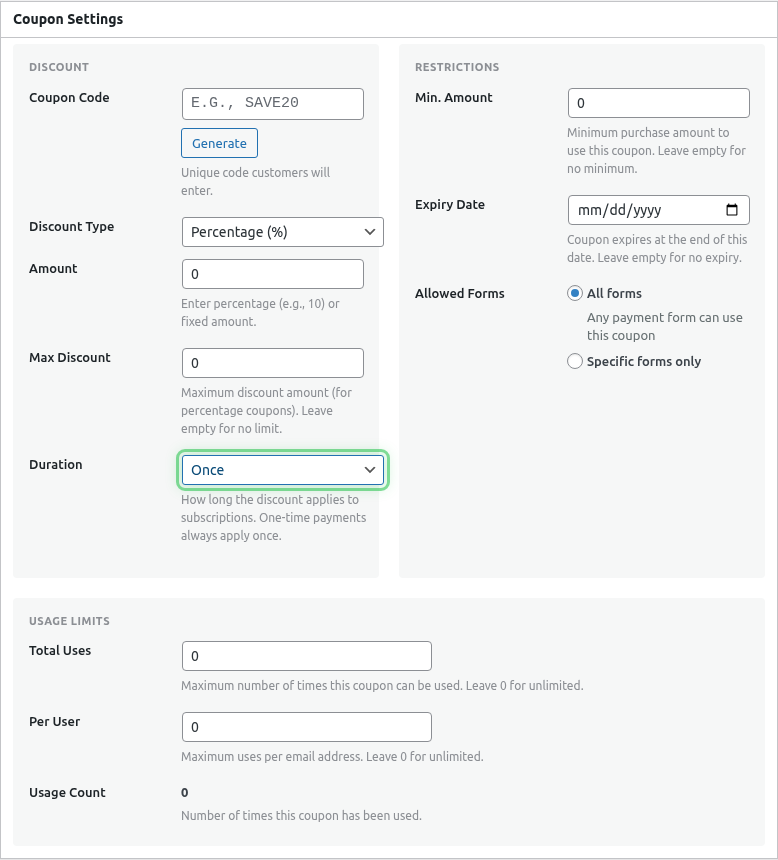
- Select your duration type
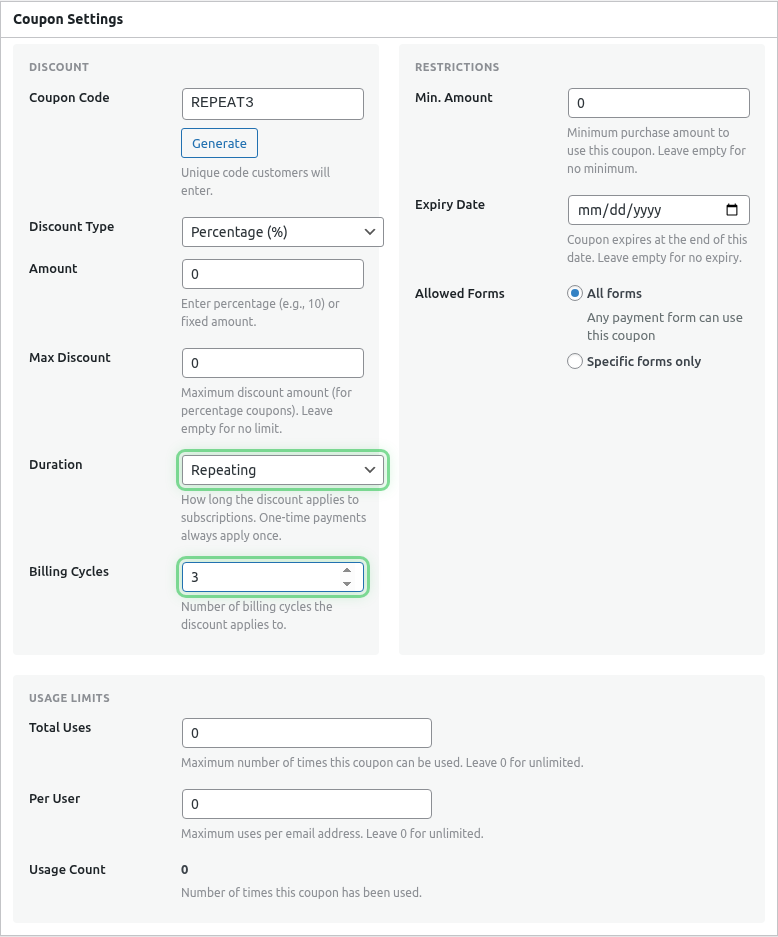
- If Repeating, enter the number of Billing Cycles
- Click Publish or Update
Configuring Repeating Duration
When you select Repeating, a Billing Cycles field appears:
| Setting | Description |
|---|---|
| Billing Cycles | Number of renewal payments that receive the discount |
Example: 3-Month Discount
Coupon: LAUNCH25
Discount: 25% off
Duration: Repeating
Billing Cycles: 3

Payment 1: 25% off  (cycle 1)
Payment 2: 25% off  (cycle 2)
Payment 3: 25% off  (cycle 3)
Payment 4: Full price
Payment 5: Full price
...
Duration Behavior by Payment Type
| Payment Type | Duration Effect |
|---|---|
| One-time payment | Always applies once, regardless of duration setting |
| Subscription (Once) | First payment discounted only |
| Subscription (Repeating) | Discounted for N billing cycles |
| Subscription (Forever) | Every payment discounted |
Example Scenarios
Launch Promotion
Coupon: EARLYBIRD
Discount: 50% off
Duration: Repeating
Billing Cycles: 6

Result: Half price for the first 6 months
VIP Lifetime Discount
Coupon: VIP20
Discount: 20% off
Duration: Forever

Result: 20% off every renewal forever
First-Payment Only
Coupon: TRYME
Discount: $5 off
Duration: Once

Result: $5 off the first payment, full price after
Combining with Other Coupon Settings
Duration works alongside all other coupon settings:
| Setting | Interaction |
|---|---|
| Usage limits | Limits how many customers can use the coupon |
| Form restrictions | Limits which forms accept the coupon |
| Expiration date | Limits when the coupon can be applied |
| Min amount | Checked against the payment amount |
Common Questions
Does duration affect setup fees?
No. Setup fees are a one-time charge at subscription creation and are discounted separately.
What happens if a customer cancels and resubscribes?
A new subscription is created. If the coupon is still valid, they can apply it again (subject to usage limits).
Can I change the duration after customers have used the coupon?
Changes only affect future uses. Existing subscriptions keep their original discount terms.
Does this work with custom amount subscriptions?
Yes. The discount applies to whatever amount the customer enters, following the same duration rules.
Best Practices
- Match duration to goals – Use “Once” for acquisition, “Repeating” for retention, “Forever” for loyalty
- Set billing cycles carefully – Consider your subscription interval (monthly vs yearly)
- Combine with usage limits – Prevent unlimited Forever coupons from eroding revenue
- Communicate clearly – Tell customers how long their discount lasts
What’s Next?
- Creating Discount Coupons – Coupon basics
- Setting Coupon Usage Limits – Control usage and expiration
- Adding Coupon Fields to Your Form – Enable coupon input